Wisy Bus
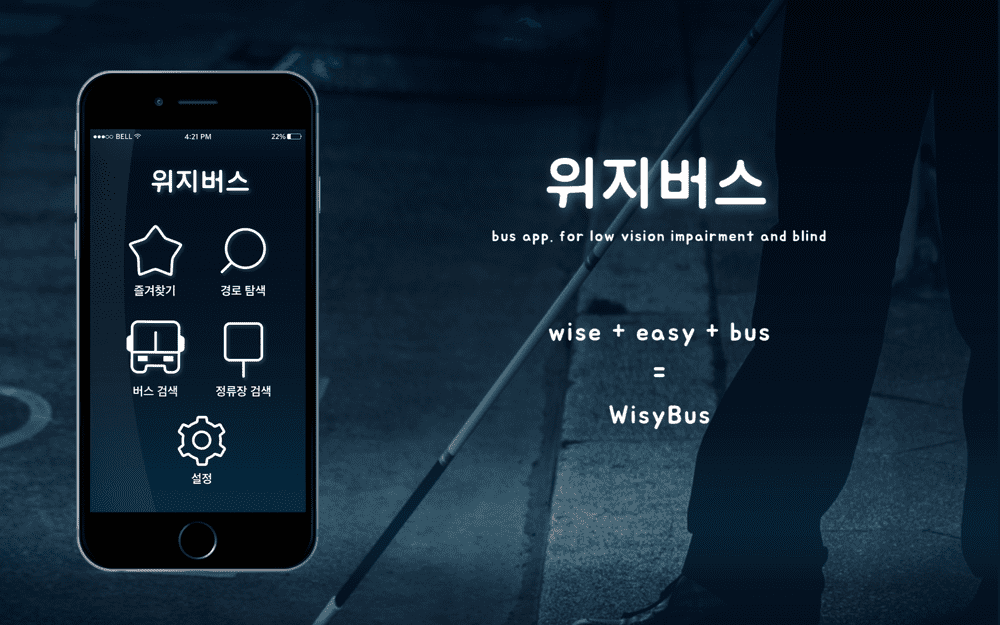
Bus application service for people who are blind, and people with vision impairment or low vision
- Duration
- 4 Months
- 2016. 03 - 2016. 06
- Team
- Hyunjin Jo
- Chae Bin Ahn
- Hye Min Choi
- Jung Bin Ahn
- My Primary Role
- Design Research
- Visual Design
- Usability Testing
- Research Paper
- Methods
- Interview
- Affinity diagram
- User modeling
- Experience Prototyping
- Usability Testing
- Tools
- Low-Fi : Balsamic
- Mid-Fi | High-Fi : Illustrator, Photoshop, Invision
- Research Publication
- KSDS(Korean Society of Design Science), 2016
- Honers
- Post Honor Awards, Bachelor Degree Student Design Conference, Research, 2016
The Challenge
1. Low web accessibility for the people who are blind
2. The limitations of TTS(Text to Speech) function
3. Unfriendly transportation apps to people who are blind
4. Need companion to use public transportation
The Outcome
1. It provides a contrasting color, readable text size, noticeable visual image, vibration pattern, and voice notification to increase accessibility for apps.
2. It provides an overall solution for users to take a bus. Finding the bus stop, finding the right bus, getting on the bus, and getting off from the bus.
The Process

Background
1. Definition: Blind - people with no or little visual information. Low vision - people with impaired vision, who can live by utilizing their vision.
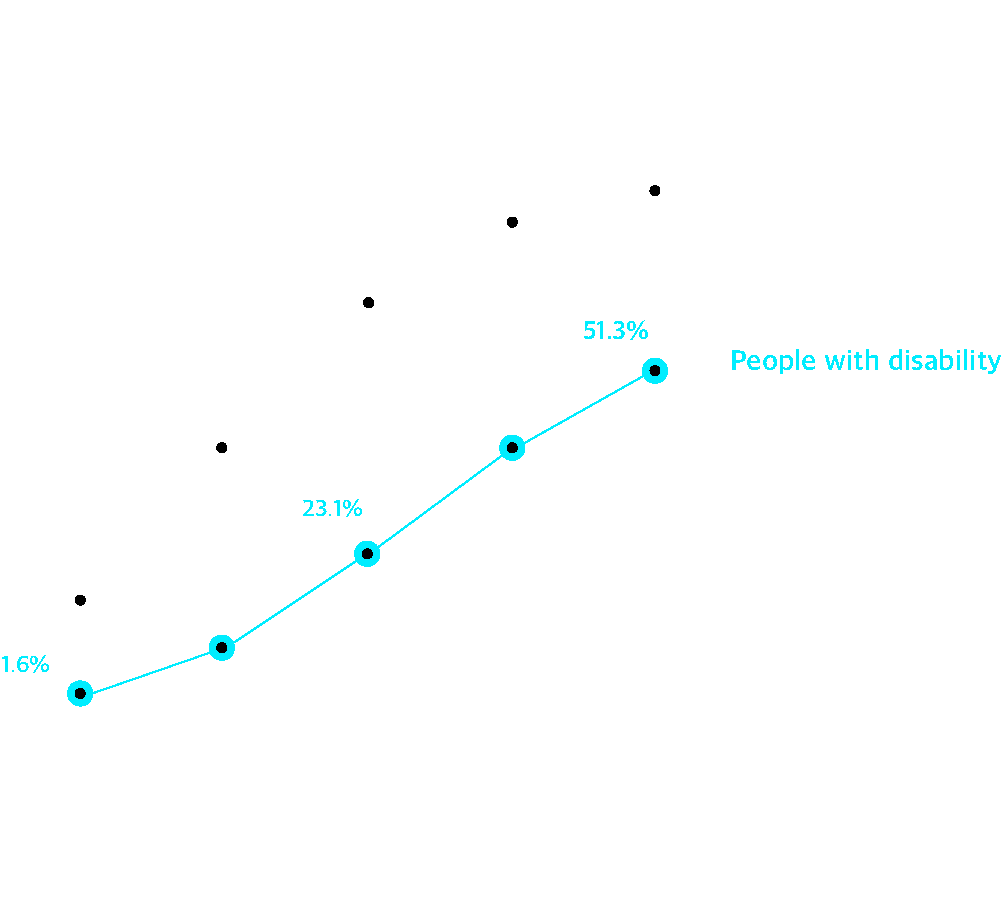
2. The percentage of smartphones with disabilities is increasing.
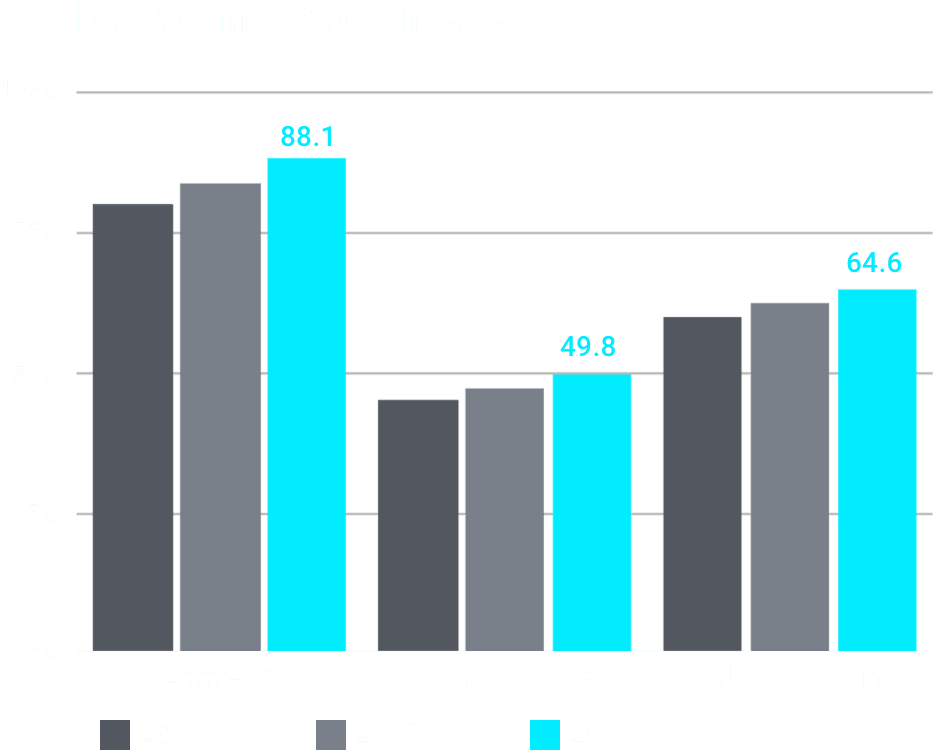
3. While the retention rate of smart phones is increasing, there has been a slight increase in the ability to use and utilization of digital devices.
Problems
Limit of TTS function
Although TTS(Text to Speech) function for people who are blind has been introduced to Smartphones, there are no alternative characters that can be converted to voice. Also, there is no auditory or tactile assistance available in apps. These facts reduce accessibility to apps for people who are blind or visually impaired.
Uncomfortable with the smart device screen
Since display screens of smart devices are designed mainly for people with normal vision, it is difficult for most people with low vision to use them properly.

Need companion's assistance while using public transportation
People with low vision find it difficult to know their the current location and final destination. It is difficult to make their own movements and long-distance travel requires continuous assistance from a third party.

Lack of public transportation app for people who are blind
According to Sookmyung Women's University's Web Development Institute, 10 out of 12 existing public transportation applications were considered to be very insufficient for people who are blind. The development of public transportation applications is not enough for people who are blind.
Inconvenience the use of buses
While the people who are blind relatively satisfied with the subway system due to its accuracy and guaranteed punctuality, they complained about the bus system since it does not guarantee that they can catch the bus safely on time. Therefore, it was necessary to make an improved bus service for them to use the bus.
Interview
Affinity Diagram
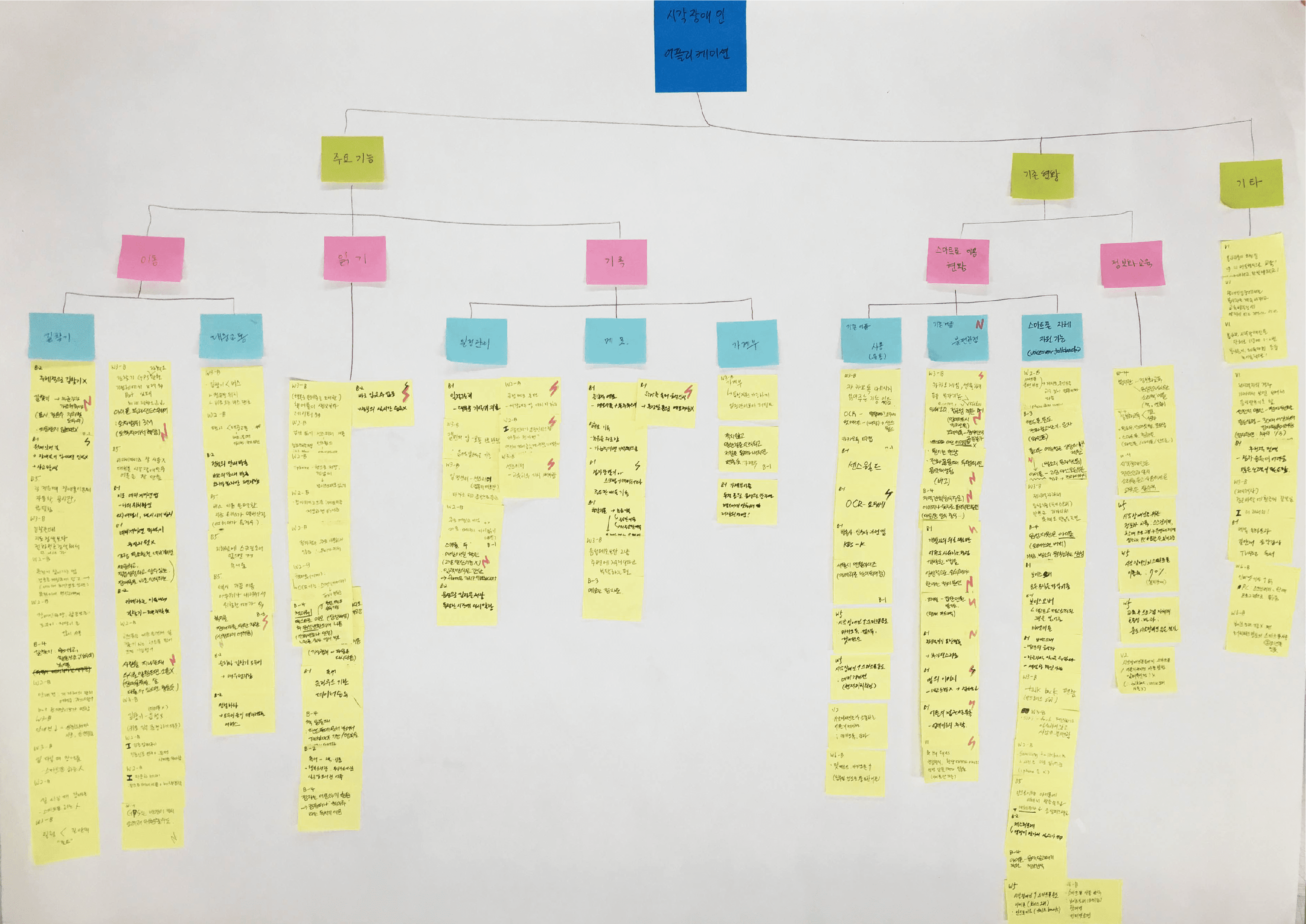
Interviews and user tests were conducted for 13 people (2 people who are blind and 11 people with low vision). In addition, we did interviews with social welfare service providers (Incheon Welfare Center for the Blind, Korea Welfare Foundation for the Visually Handicapped), and volunteers at organizations.
Insights
Some information provided from the bus station or bus is too vague for people who are blind and with low vision
Coming Soon(due), one station before, arriving, arrived
Finding the bus from the different buses, finding the bus' front and back door
Measure distance by step instead of meter
Own way to use the device
Use black background and white fonts which makes the text less blurry
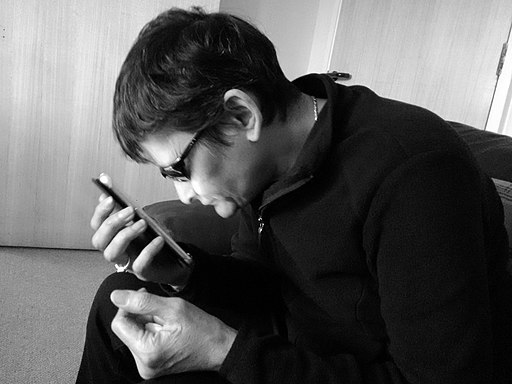
Set the biggest icon from the smartphone but still have to use TTS and bring the smartphone close to their eyes as possible
Lightly depend on sound or touch
Lightly depend on the sound, touch feedback but getting a support from these feedbacks is useful

Modeling
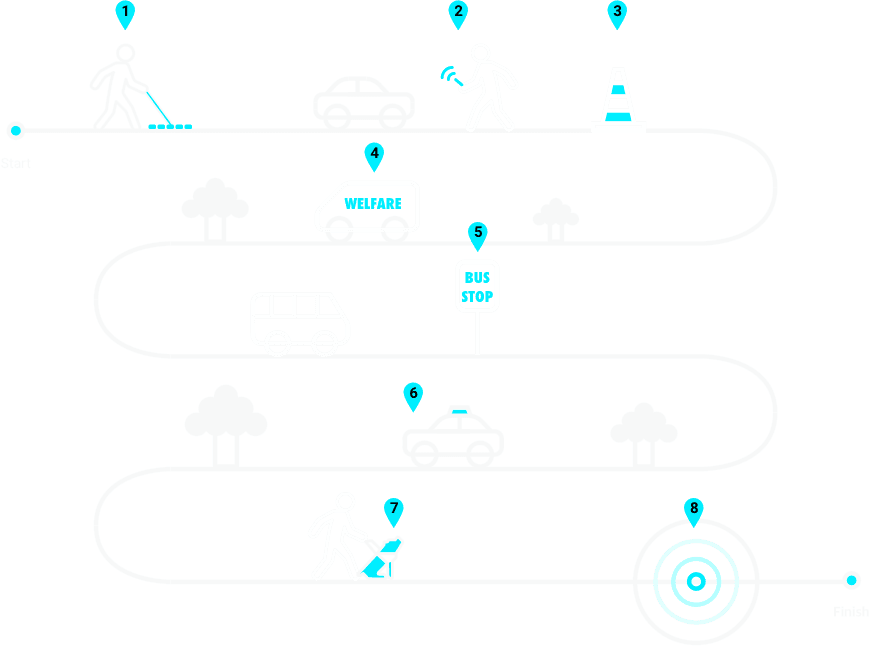
Physical Modeling
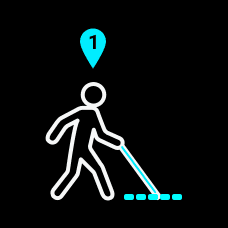
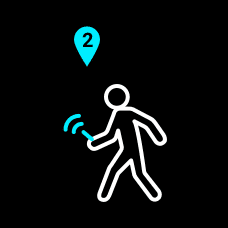
A white cane
 People who are blind usually use a white cane while walking on the street. Braille blocks are not well managed on the floor.
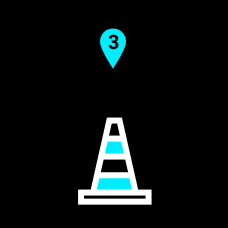
Obstacle
Obstacles makes hard to walk in the street for people who are blind. Also, people who use smartphones are dangerous to people who are blind as they do not aware their surroundings.
Under construction
If the daily used roads are under construction, it is difficult to find the way since it is different from the usual route.
Welfare call
The booking process is cumbersome, it takes long waiting and expensive (2.5 times more expensive than regular taxis).
Bus stop
It is difficult to pinpoint the exact location of the station.
If multiple buses arrive at once, it is difficult to find the bus you are looking for.
It is difficult to get on the bus due to short stop time.
The announcement of the arrival time is often incorrect.

Taxi
It is difficult to find the current location and there is a risk of fraud.
It is more expensive than public transportation.
A guide dog
Guide dogs are only supported by people who are blind, so people with low vision have limitations in their use.
The criteria for selection are very strict.
Training and management are difficult.
GPS error
Showing ambiguous location nearby which is hard to find the exact spot.
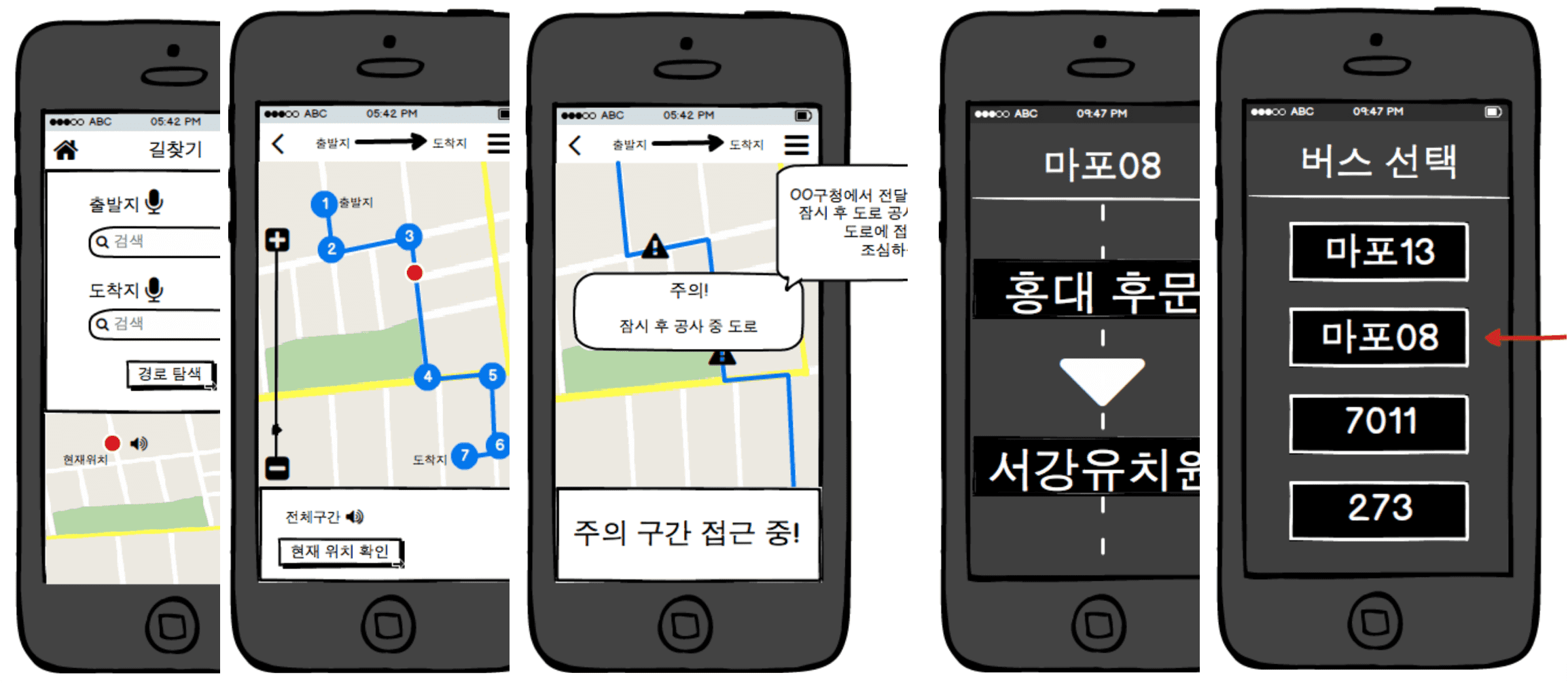
Low-fi | Mid-fi
Conducted the test with 5 people who have low vision (1 severely sight impaired , 4 sight impaired ).
Used Balsamiq tool to rapidly make low and mid fidelity screens.
Tested 4 different types of service using Low-fi screens: 'bus', 'subway(tube)', 'taxi(cap)', 'get direction' and continue to improve 'bus' and 'get direction' service using Mid-fi screens. We met participants individually to conduct user test at the place they are comfortable with, and talked through each services' scenario by showing screens.
Learnability:
Is the service easy to understand?
· Easy to use. If it improves more, it can be used for people who are blind. However, it seems necessary to make the voice-over function fully available.
· It is easy to understand but using vibration instead of voice assistance can be better option because people who are blind have to listen to the surrounding environment while finding directions. It would be nice if we could choose from both voice and vibration assistant.
Engagement:
What are the differences compare to other apps?
· Comparing with other similar apps, this service is more handy. It is an interesting app, however, the bus service should be improve such as finding an accurate door and a correct bus.
· It is difficult to compare because there is no application for the people who are blind.
Achievability:
Does the service solve the problem?
· It will solve the problem of finding the destination and using a bus system.
· It is good to have vibration option to find the way. It will be much usefull to send different vibrations for sending a direction message such as turning right or left.
· It is a good idea to let the bus drivers and passengers know that people who are blind are boarding to the bus otherwise they will leave us without noticing we are waiting for bus.
· Using my footsteps to measure distance seems more accruate for us to predict.
Usefulness:
Are you willing to use our service?
Going to use this service to find the direction when walking unfamiliar roads.
Things to improve
· It needs to separate sidewalk and driveway since people with blind can not tell the difference.
· Provide more options to adjust such as different types of vibrations and sensory assistance.
Design Solution
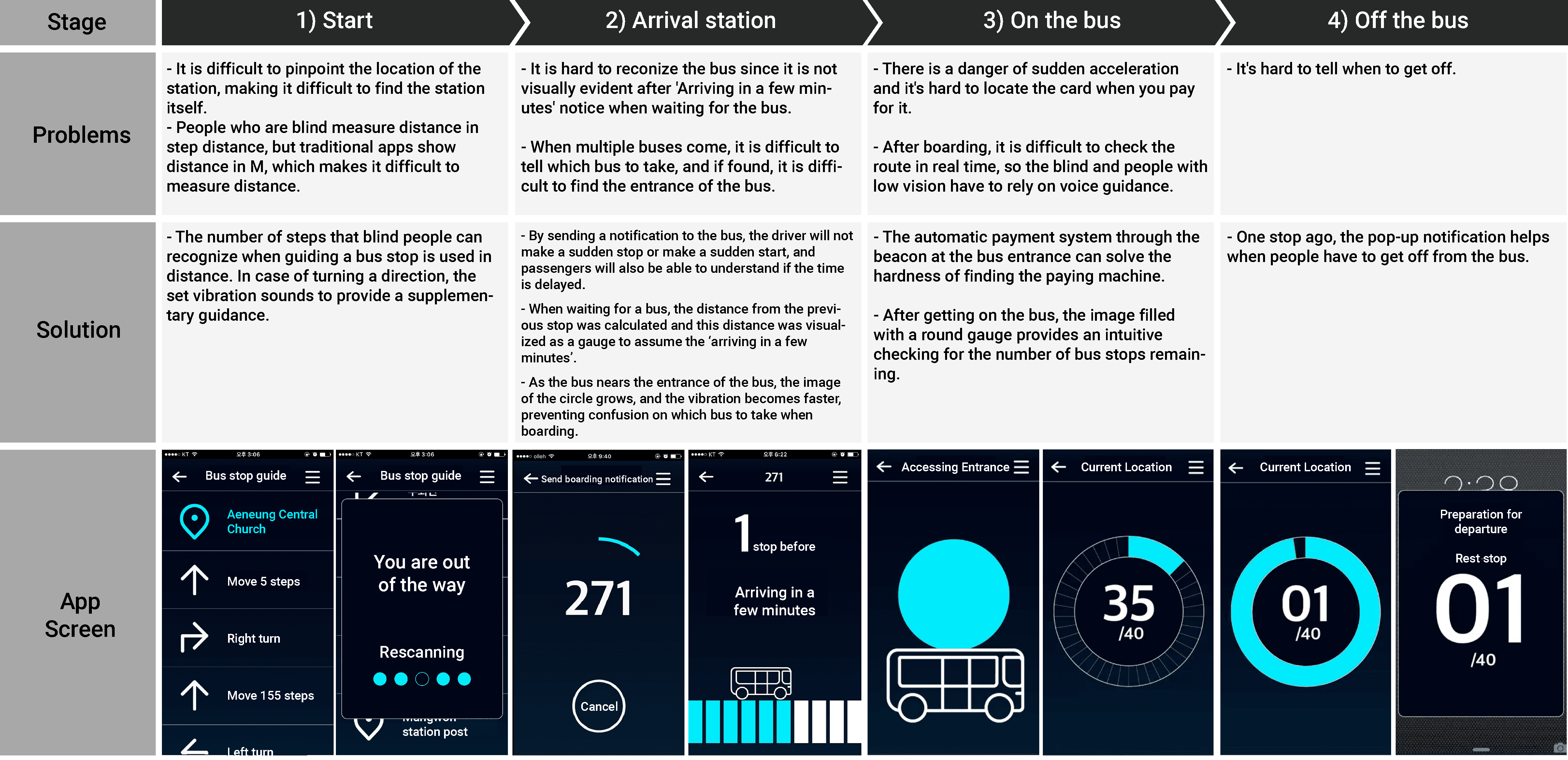
Full bus transport experience for people with low vision
From finding the bus stop - getting on the bus - preparing to get off from the bus - To getting off the bus
User Test
Conducted a prototype test using InVision app. From the previous test, 4 participants joined for the prototyping test. We asked participants to say whatever comes into their mind (Think-aloud method) as they complete the task. The given task is to use the ‘Wisy Bus’ app to find a diection from 'Aeneung Central Church' to 'Welfare Center for The Blind’.
Feedbacks
The most memorable features for the participants were 'Transmitting boarding notifications’ and ‘Finding bus entrance’.
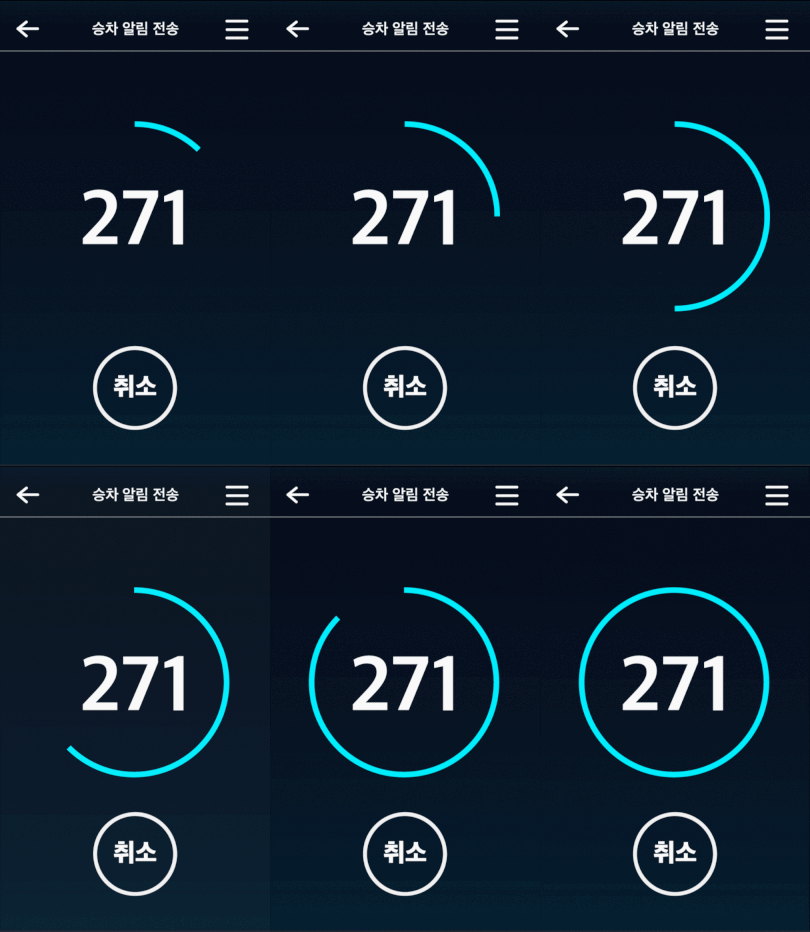
‘Transmitting boarding notifications’
The Gauge that shows the process of sending boarding notifications to the bus. The bus driver will notice that there will be people who have sight impairments. This is important for the users because it helps them to secure onboarding the bus. This reduces the danger of a sudden acceleration when they are getting on the bus as the bus drivers notice there will be the passenger who requires more time to get on the bus.
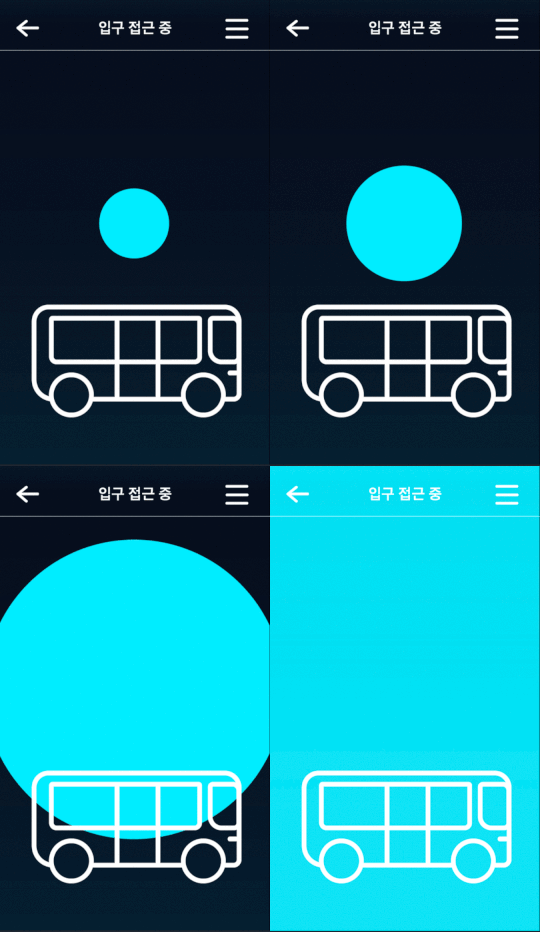
‘Finding bus entrance’
Use a beacon to vibrate the smartphone and the phone vibrates harder when it gets closer to the entrance. Visual aid(growing bigger circle) helps to guide to the entrance. This helps users not to confuse the bus itself as well as the bus entrance since the Korean bus suggests to passengers to get on the front door and get off from the back door.
Are you interested in my project and want to know more?
Contact me!
guswls1994@gmail.com